

































































































mosthost Log in

THE HOSTING PLANNER

Make room for
good company.

Plan your guests’ stay day by day, then share it with a link that feels like an invitation.

Plan your first visit for free.

Download on the App Store Get it on Google Play
An autumn doorway decorated with leaves and pumpkins
A LITTLE NOTE FROM MOSTHOSTCome on in!

SEE IT IN ACTION

A whole visit, in 40 seconds.

How it works

  1. Keep your favorites

    The hike everyone loves, the bakery on the corner, your famous chili. Saved once, ready for every visit.

  2. Plan each day

    Choose what you’ll do each morning, afternoon and evening. Add flights and notes, and it’s all in one plan.

  3. Send the invitation

    Your guests get a live link that opens like a sealed envelope, and stays up to date as plans change.

THE HOST PLAN

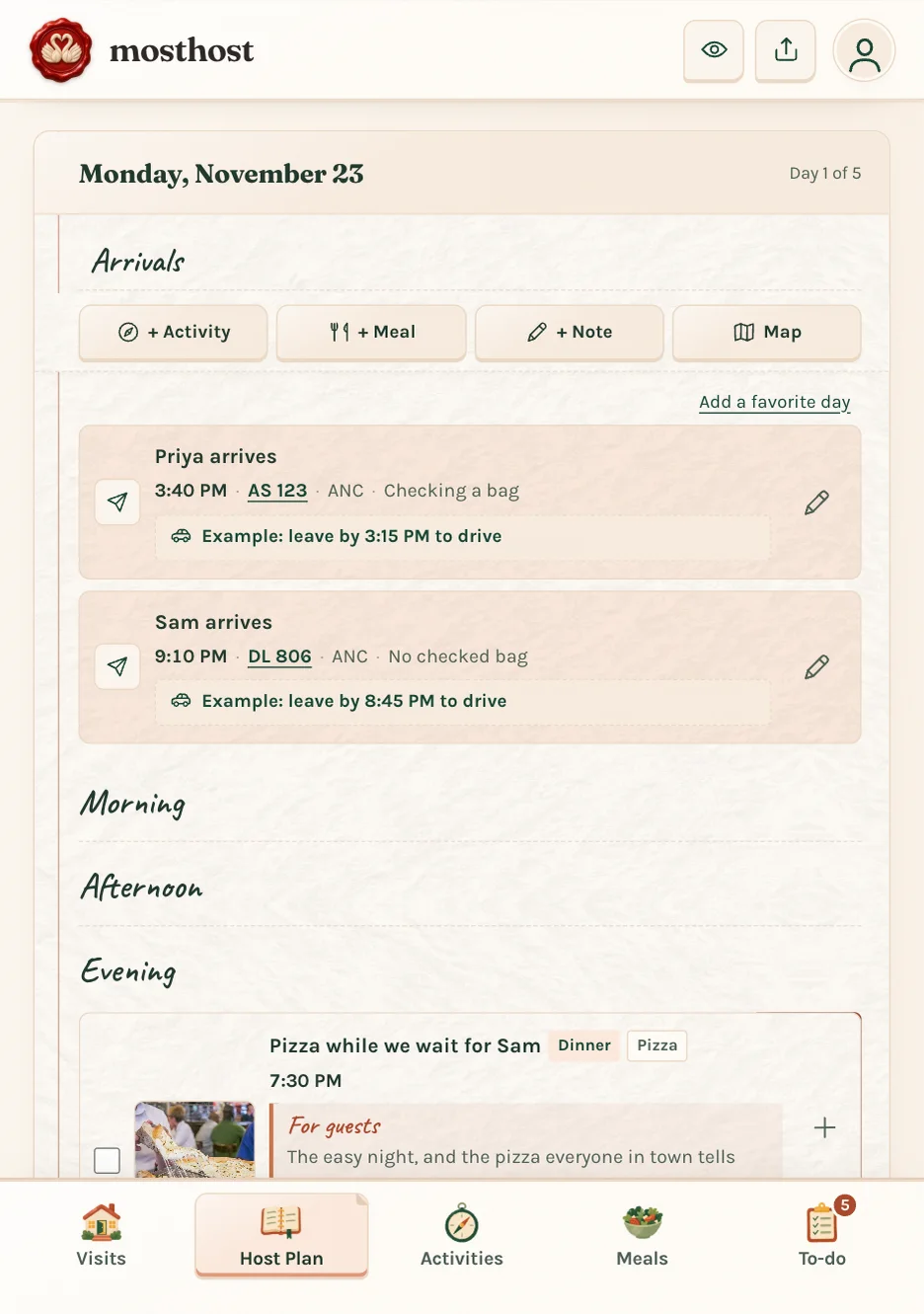
A day-by-day plan that feels like a notebook

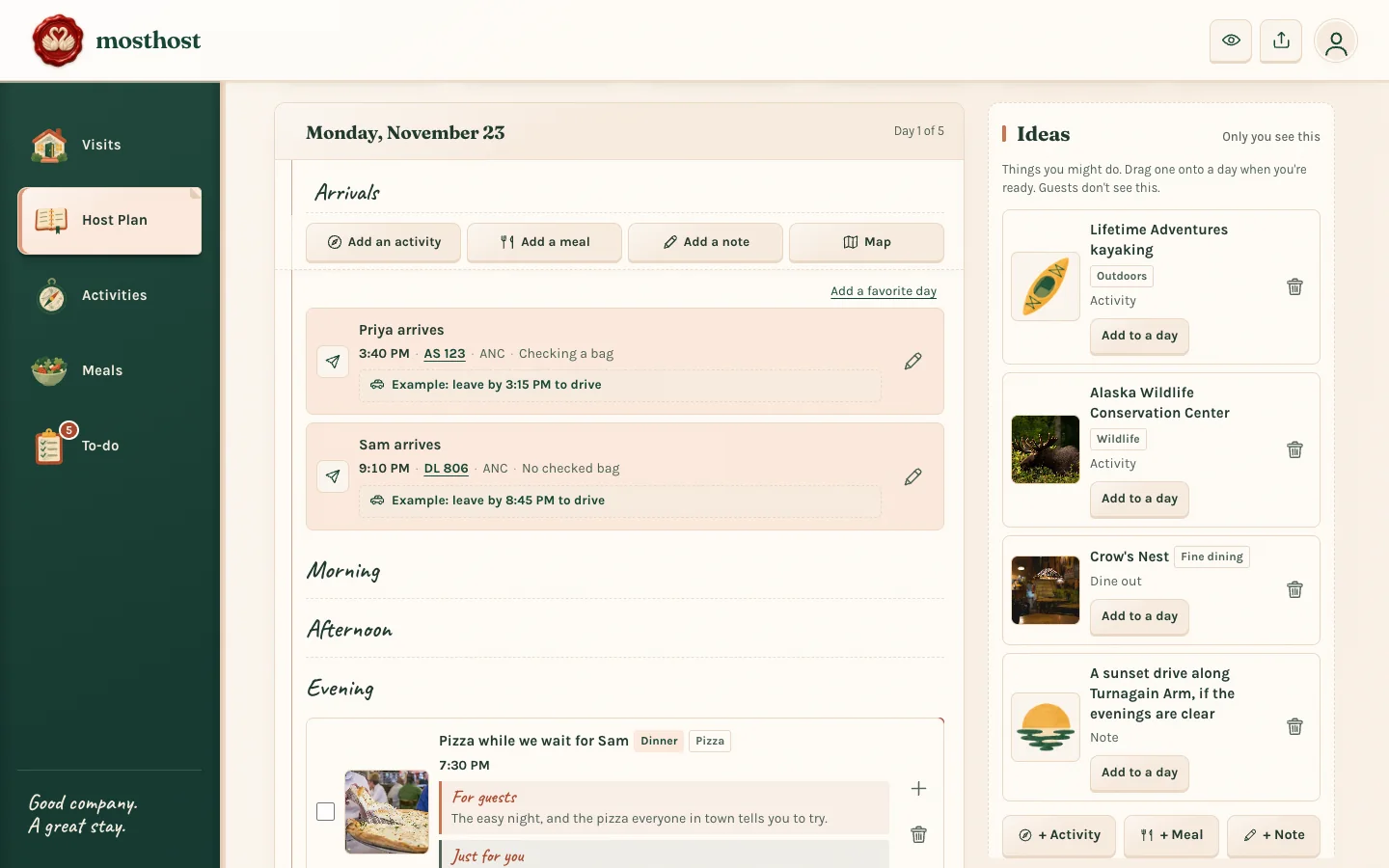
Add activities, meals or notes to each day, drag things around, and keep a pile of ideas for anything without a day yet.

  • Arrivals and flights, including when to leave for the airport
  • The weather for every day, with automatic notifications if rain is in the forecast
  • A map of each day, with drive and walk times Most Host
  • Have a 'classic first day' you like to repeat for guests? Save it and drop into any visit
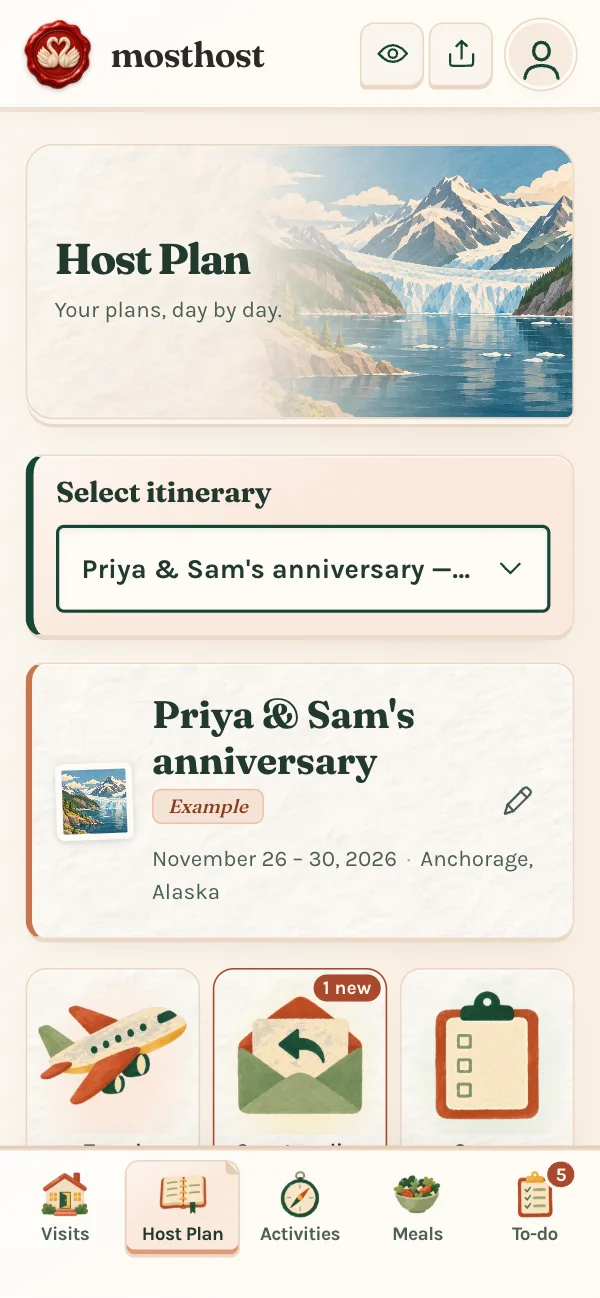
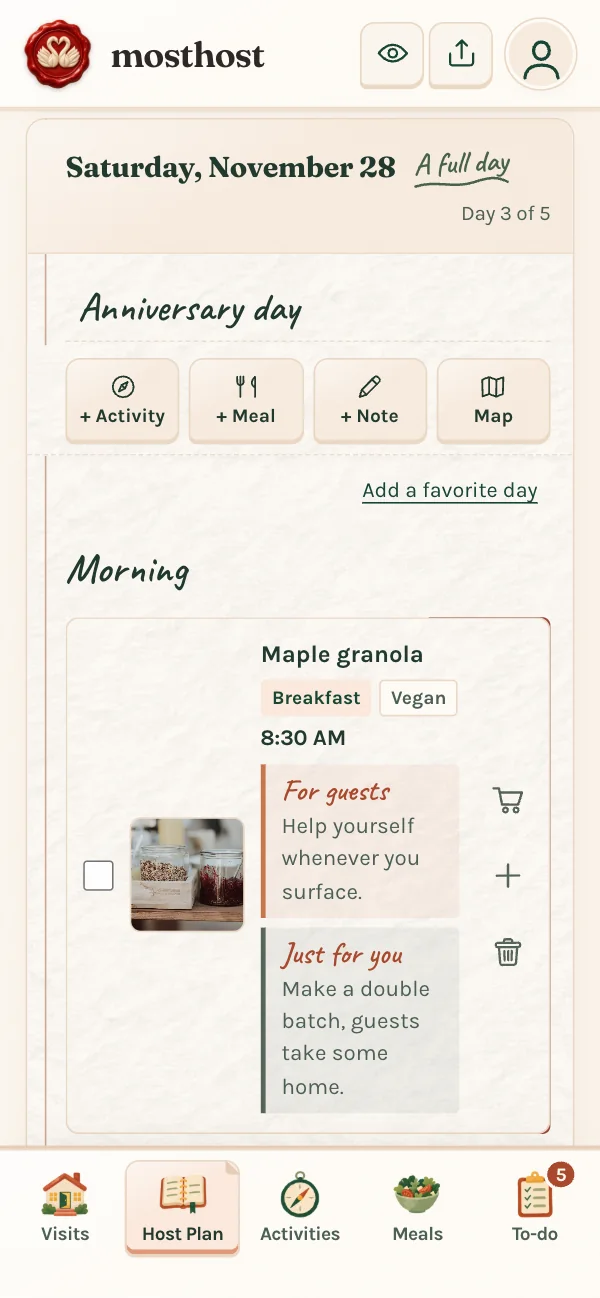
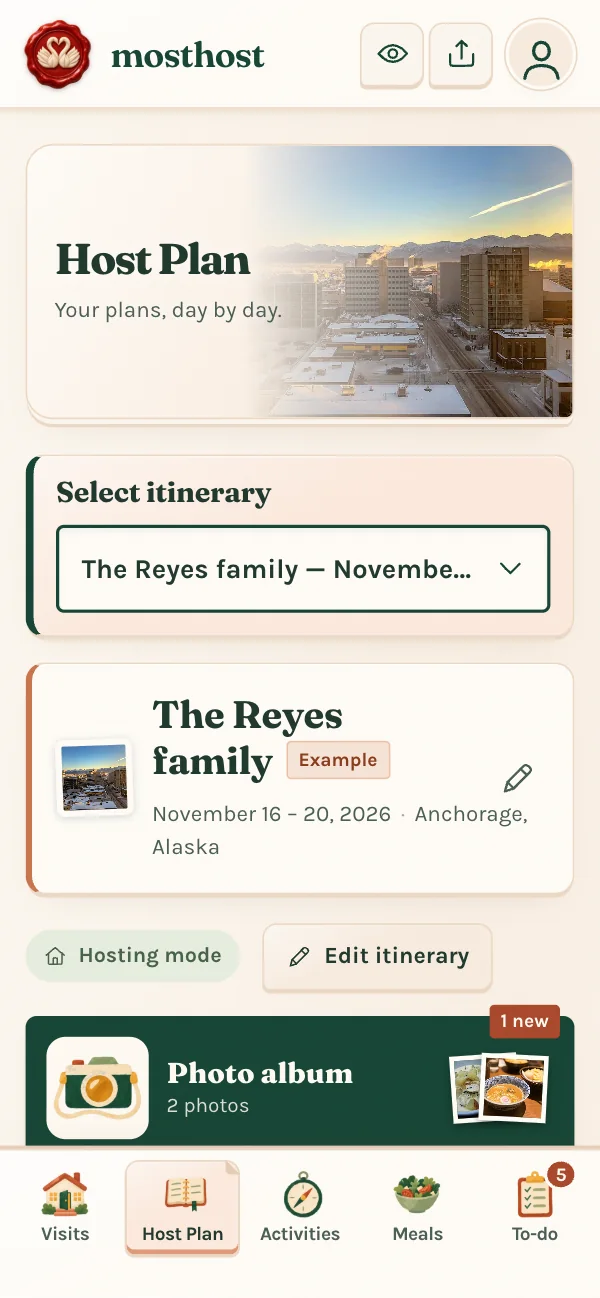
The Host Plan for a visit, with tiles for travel, guest replies and a survey A day in the Host Plan with breakfast and a hike planned

FOR YOUR GUESTS

An itinerary that arrives like an invitation

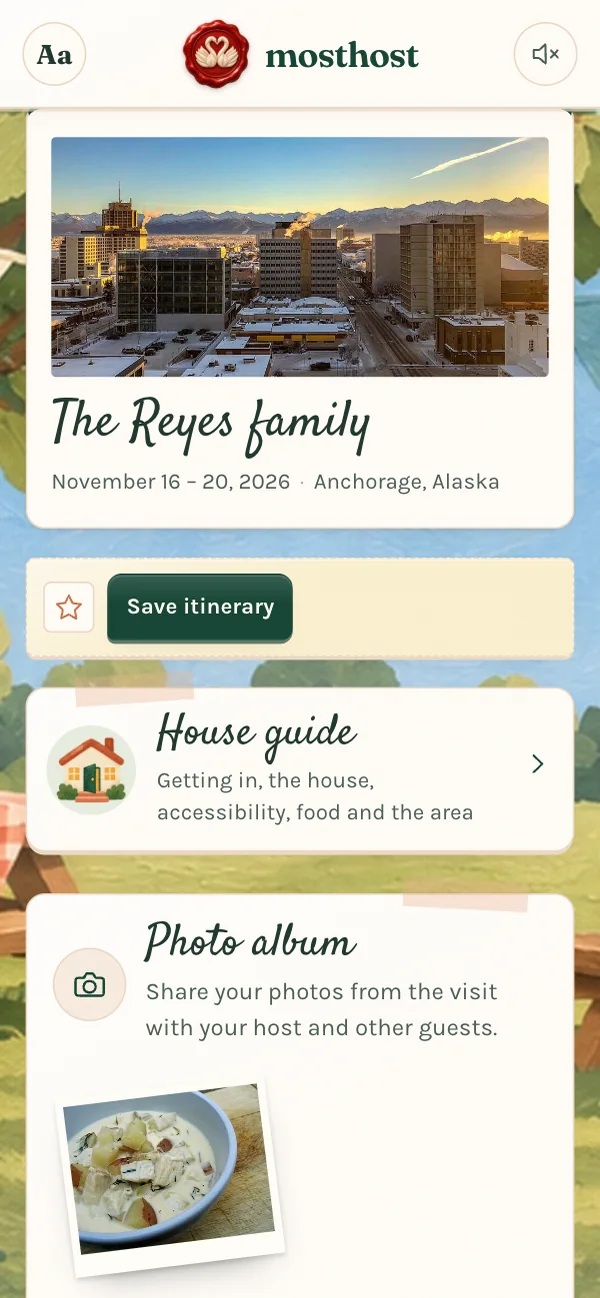
Guests tap a sealed envelope and the plan unfolds: a countdown to the visit, each day in order, and a way to send back their flight details.

  • Customize the invitation for your guest with your own music from Spotify, Apple Music or YouTube
  • Choose a theme and a cover photo for each visit
  • Keep something a surprise until the moment you choose
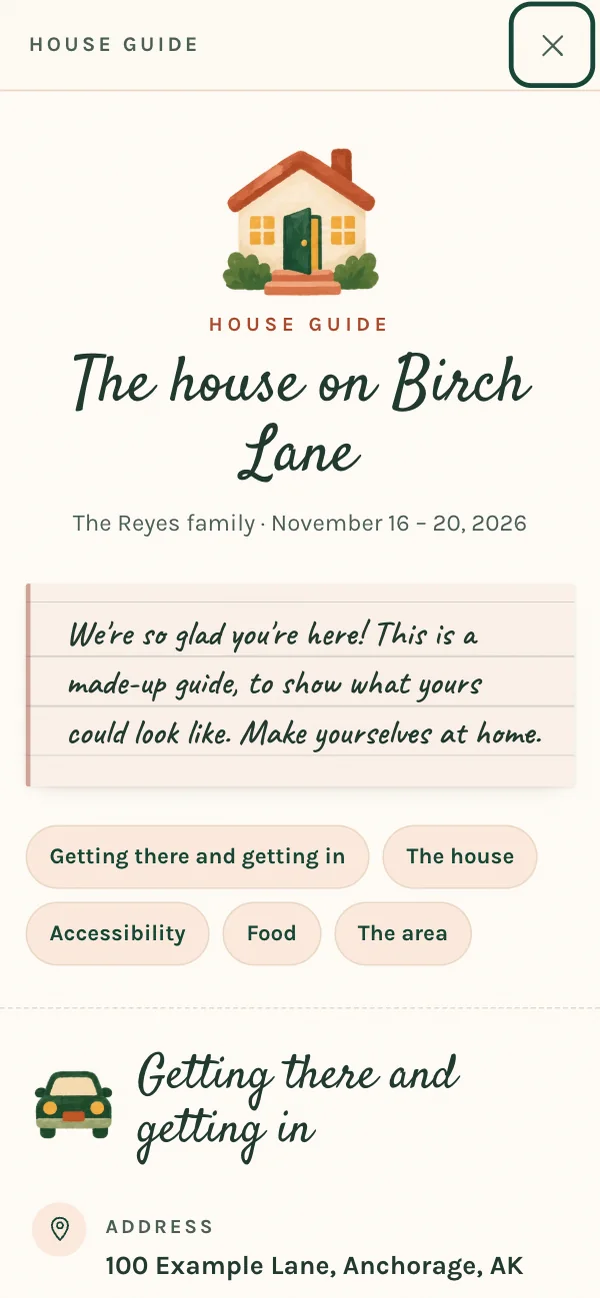
  • A house guide for your guest with things like Wifi details and where to find fresh linens
  • Show what the house already has, so guests know what not to pack
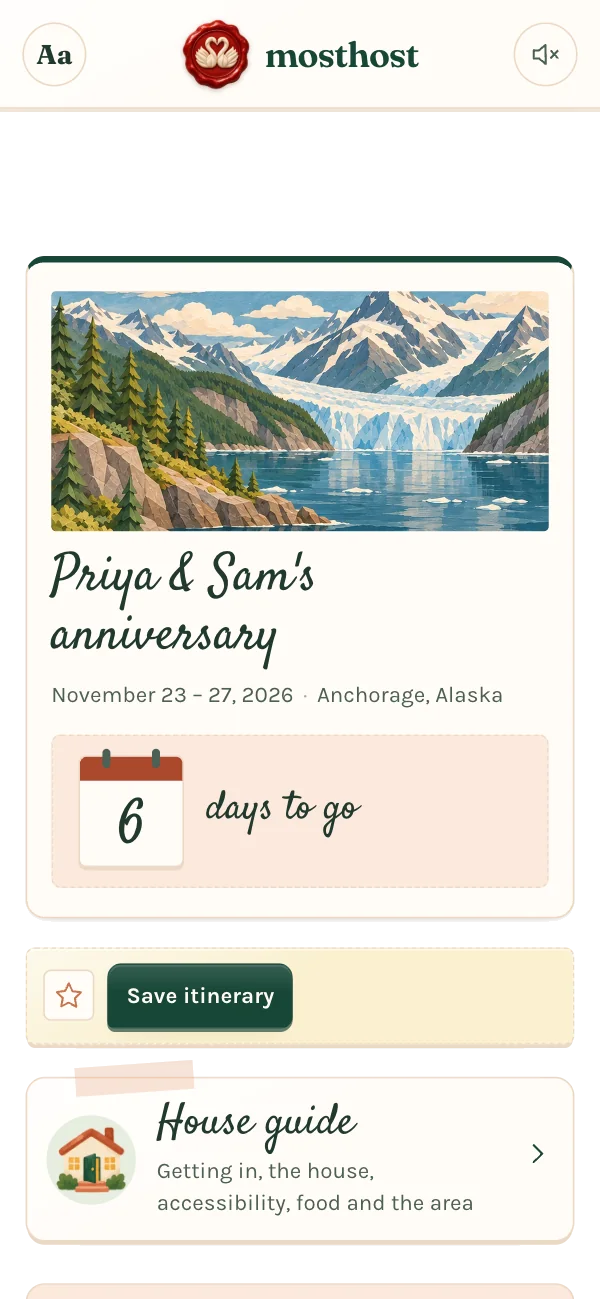
Priya & Sam’s anniversary invitation, sealed with the swan logo Priya & Sam’s itinerary after the envelope opens, with a countdown and a house guide

MAKE IT THEIRS

A theme for every visit

From hosting the holidays to a wedding weekend - or just catching up.  Pick a custom theme for your guest invitation.

More inside

PLAN TOGETHER

Ask what they’d love to do

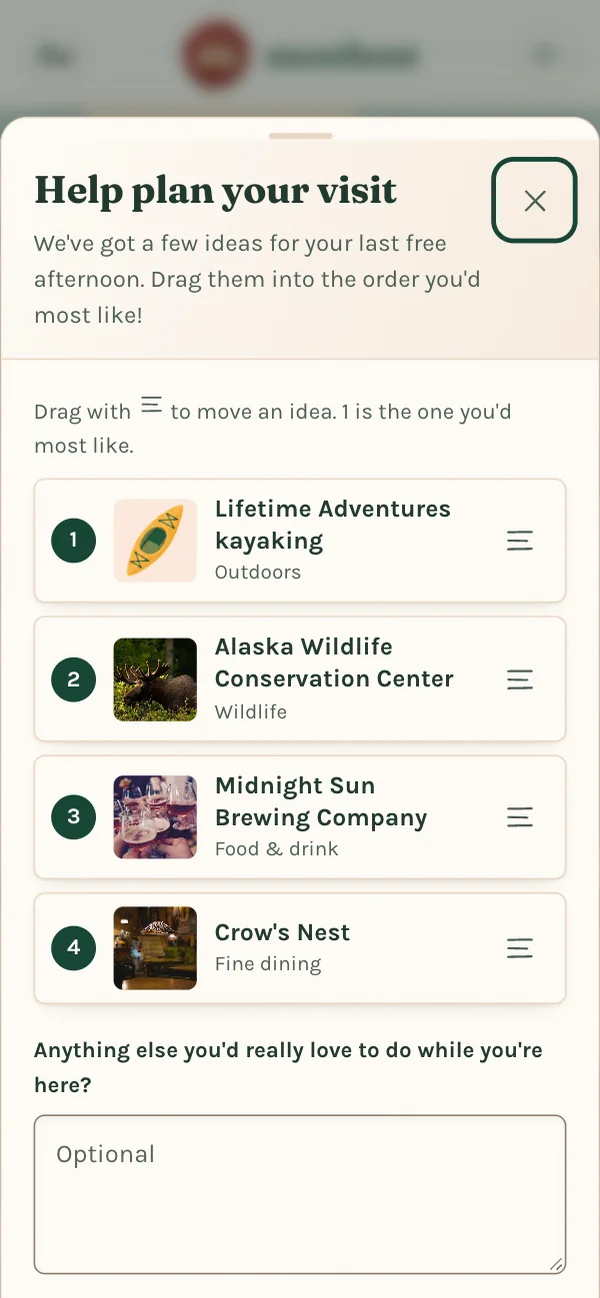
Send a few ideas and let guests drag them into the order they like best. Guest replies, flight numbers and whether or not they have checked bags are automatically added to your plan, and you get a gentle ping when they do.

  • Guest surveys that add up the answers for you
  • See real-time flight information on the day of your guests' trip
  • Plan with a co-host on the same visit Most Host
A guest ranking four ideas for a free afternoon A house guide booklet called The house on Birch Lane

YOUR LISTS

Everything you love to share, ready to go

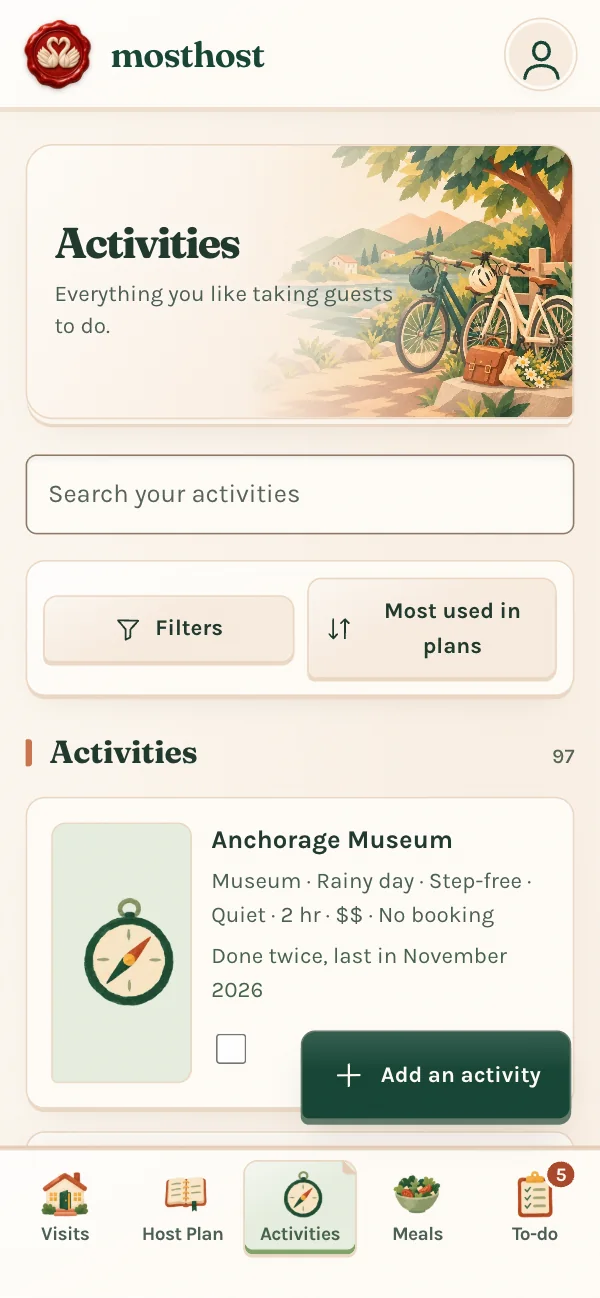
Activities, restaurants and your own meals live in tidy lists you can search, tag and filter. Find a place on Google and its address, phone, hours and rating come with it. Most Host

  • Book a table or order takeout in a tap
  • A to-do list that knows which restaurants and activities still need to be booked, with automated reminders
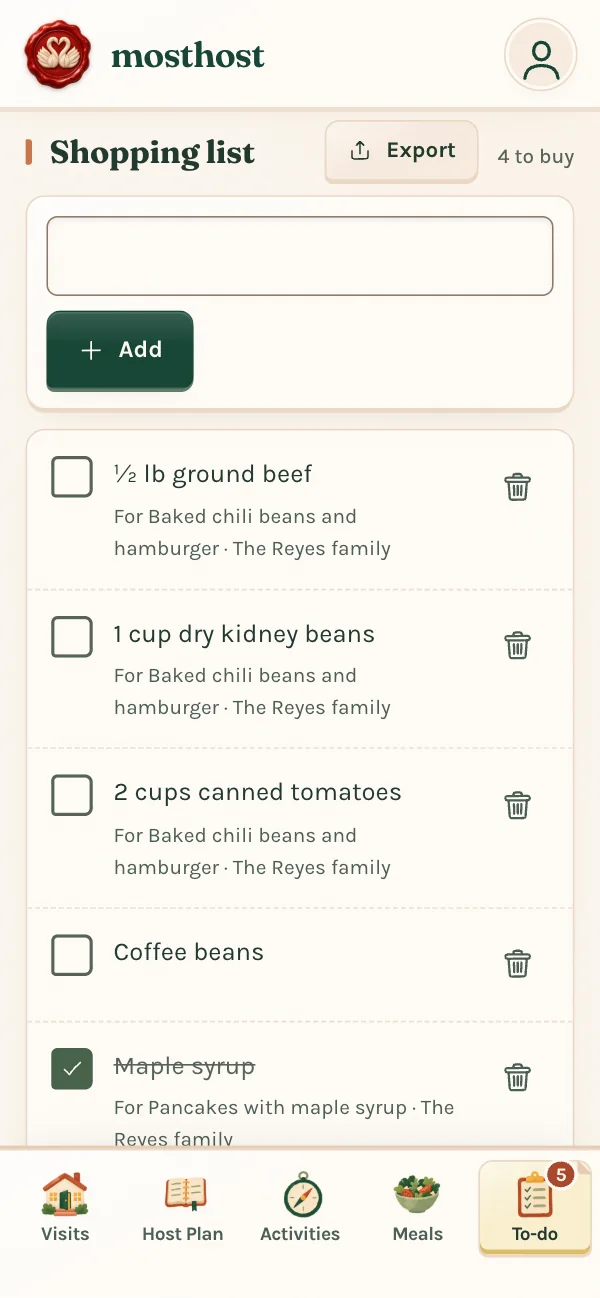
  • Import a recipe from a link, then gather a shopping list that scales to the number of guests you have
  • Starter lists for getting the house ready, kept in step with Apple Reminders or Google Tasks
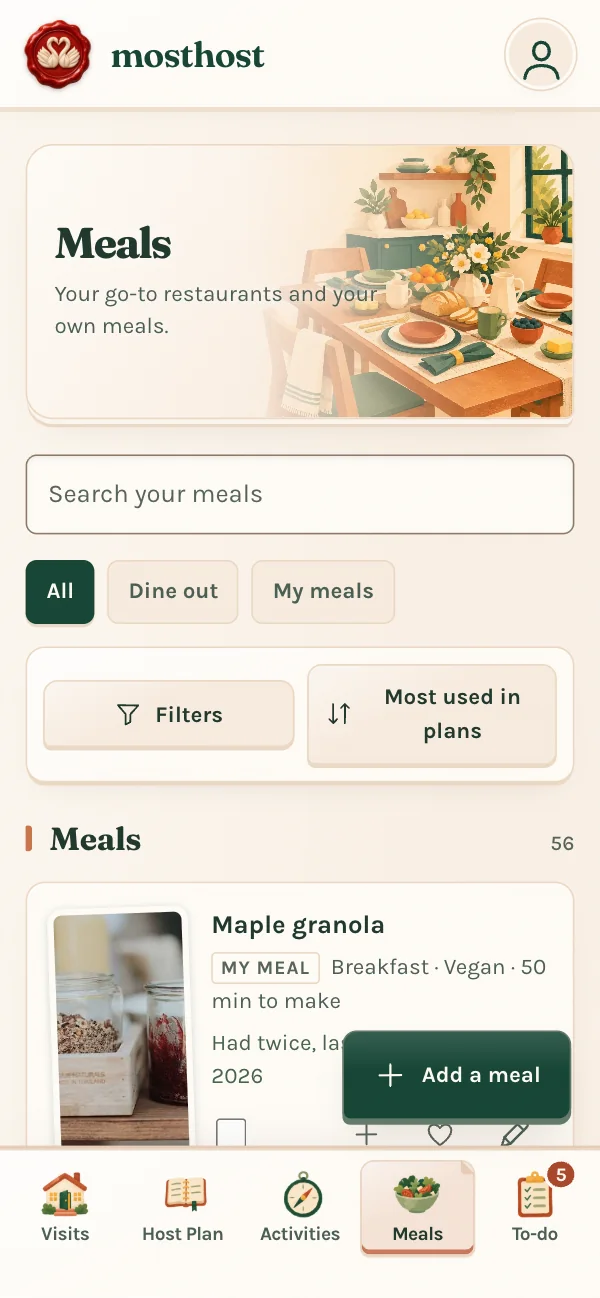
The Activities list The Meals list A shopping list gathered from the visit’s meals

DURING AND AFTER

Capture memories with a shared album and a scrapbook

Everyone can add photos to the album, and when it’s over you have a scrapbook to keep and a thank-you note to read.

  • A photo album for you and your guests
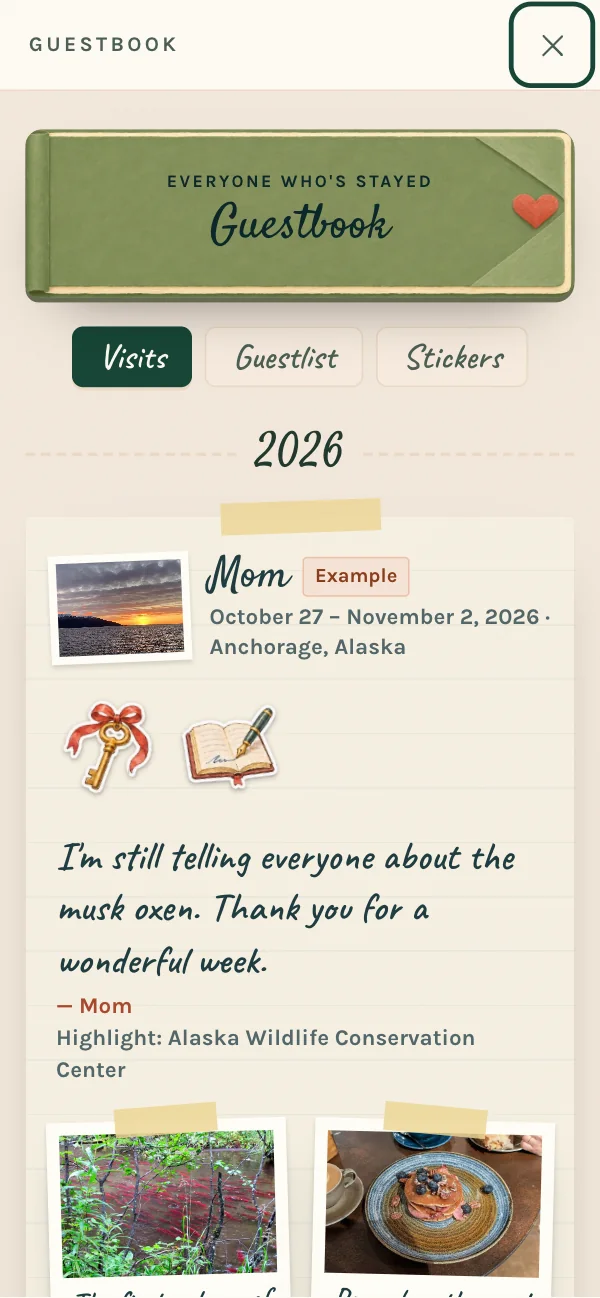
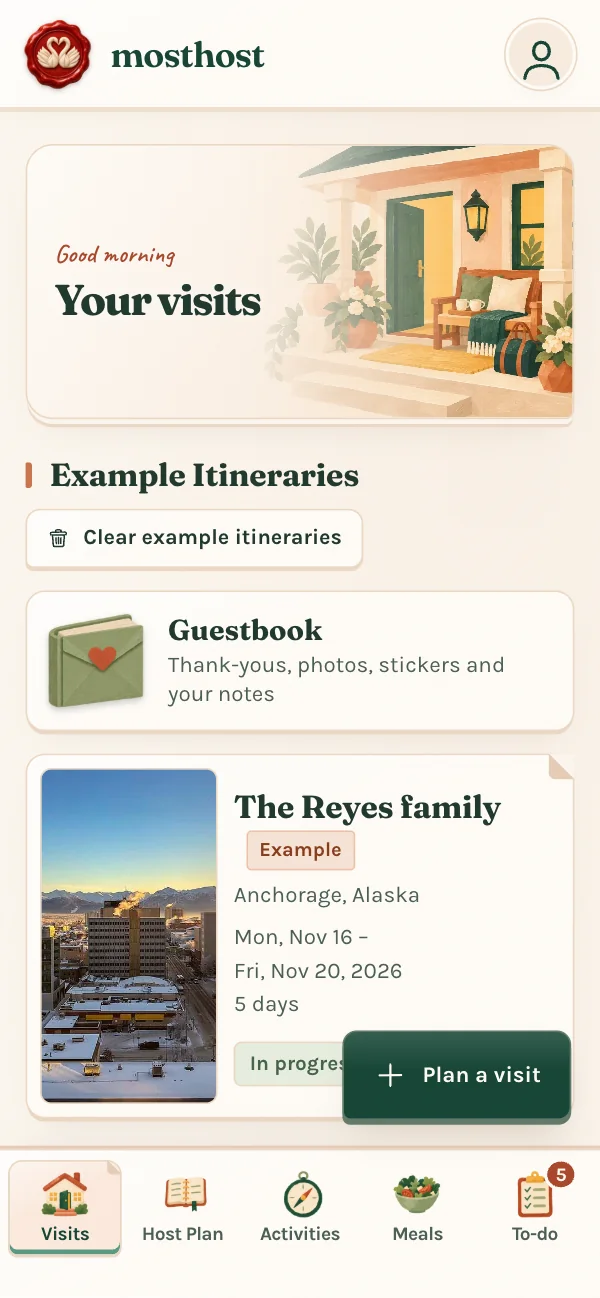
  • A guestbook of everyone who’s stayed, with stickers to find
  • Notes on each guest, from their favorites to how they take their coffee
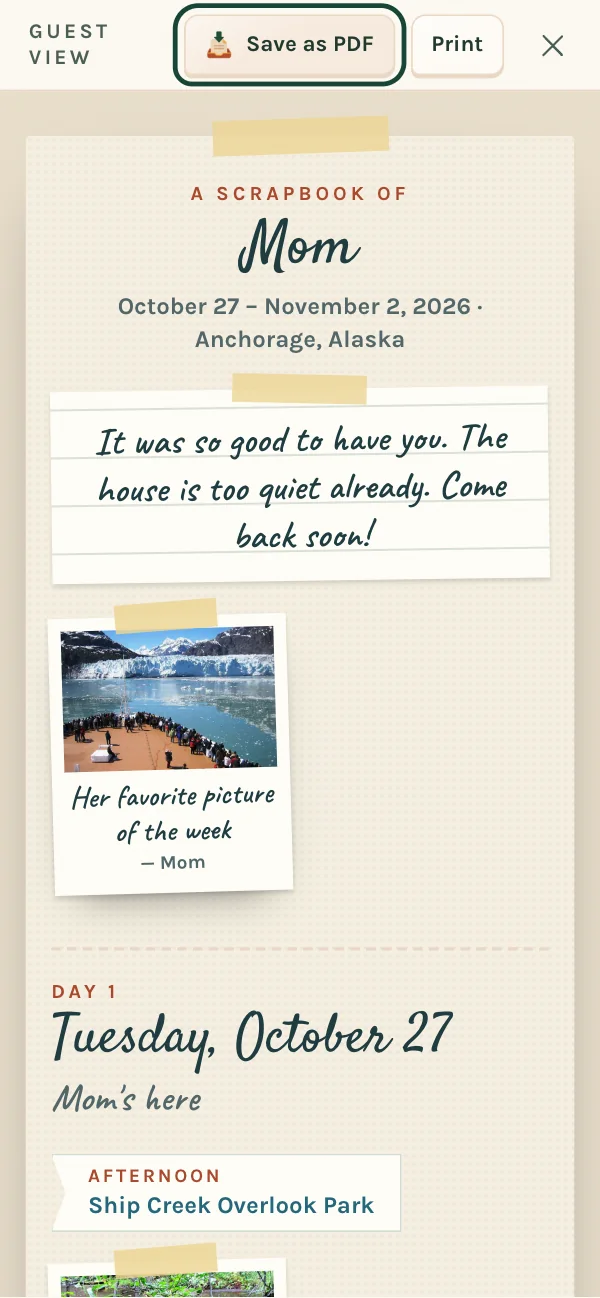
  • The scrapbook as a PDF to print or share
Hosting mode with the photo album up top A scrapbook of a visit with taped photos The guestbook with a thank-you note and photos

Earn stickers in your guestbook as you host

THE LITTLE THINGS

Thoughtful touches, all the way through

  • Airport timing

    When to leave for a pickup or drop-off, with traffic. Most Host

  • Your homes

    A house guide for each place you host, from the front door to the Wi-Fi.

  • Spreadsheet editing

    Prefer a spreadsheet? Download the plan, edit, and bring it back. Most Host

  • Works offline

    No signal at the cabin? Your plans and photos stay with you in the iPhone and Android apps. Most Host

  • Google Maps lists

    Bring in the places you’ve already saved, all at once. Most Host

  • Easy to read

    Bigger text, plain lettering, stronger contrast and less motion.

  • Private itinerary links

    Add a password, and links close on their own a month after the visit.

  • English, Español, Français

    The app and guest links speak Spanish and Canadian French too.

LAPTOP, TABLET, PHONE AND WATCH

Plan from the couch, finish at your desk

Sign in anywhere and your plans follow you. Everything saves by itself.

  • Laptop

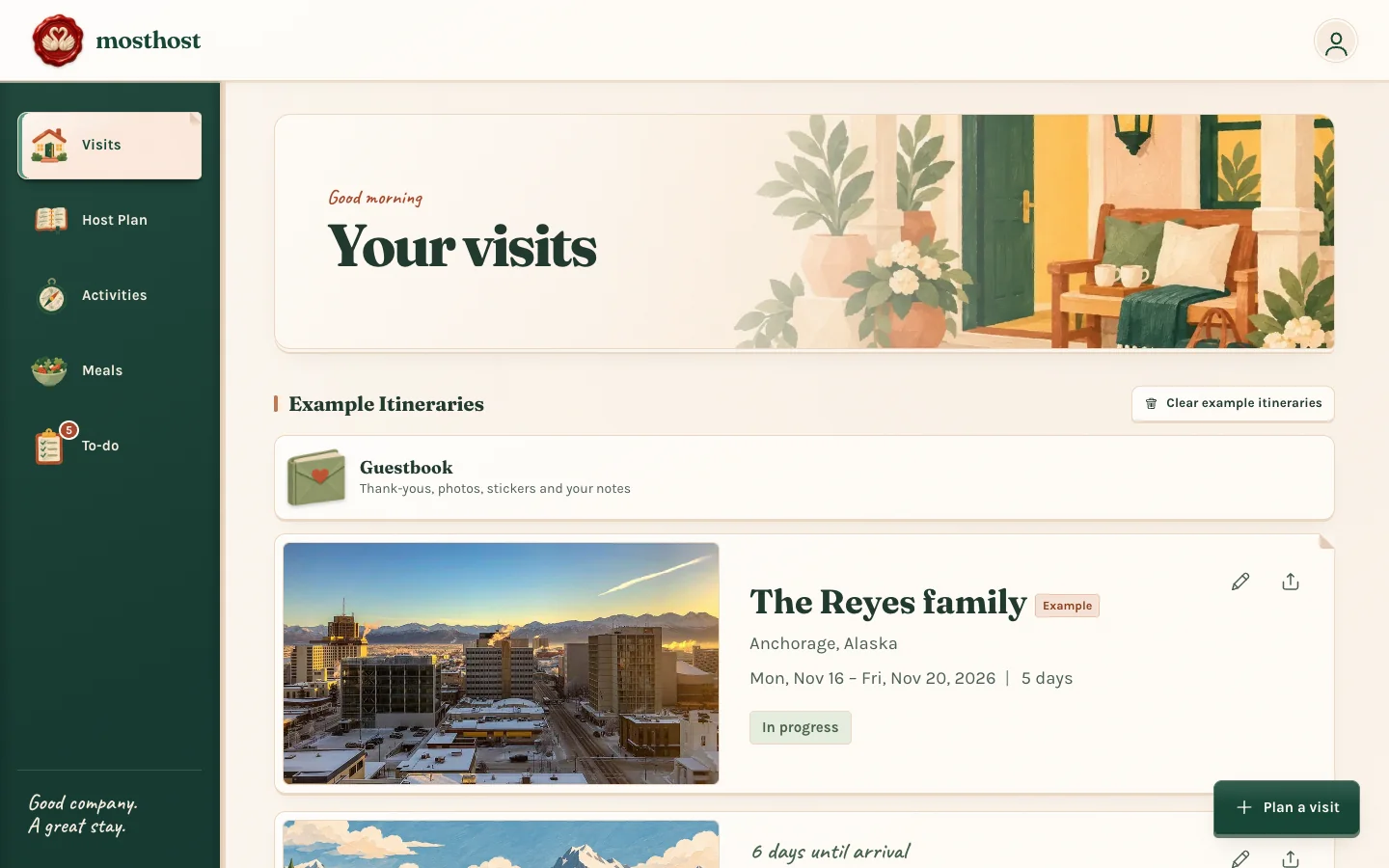
    The big screen for building a visit. Each day sits beside your ideas, so you can drag them into place. It runs in any browser, with nothing to install.

  • Tablet

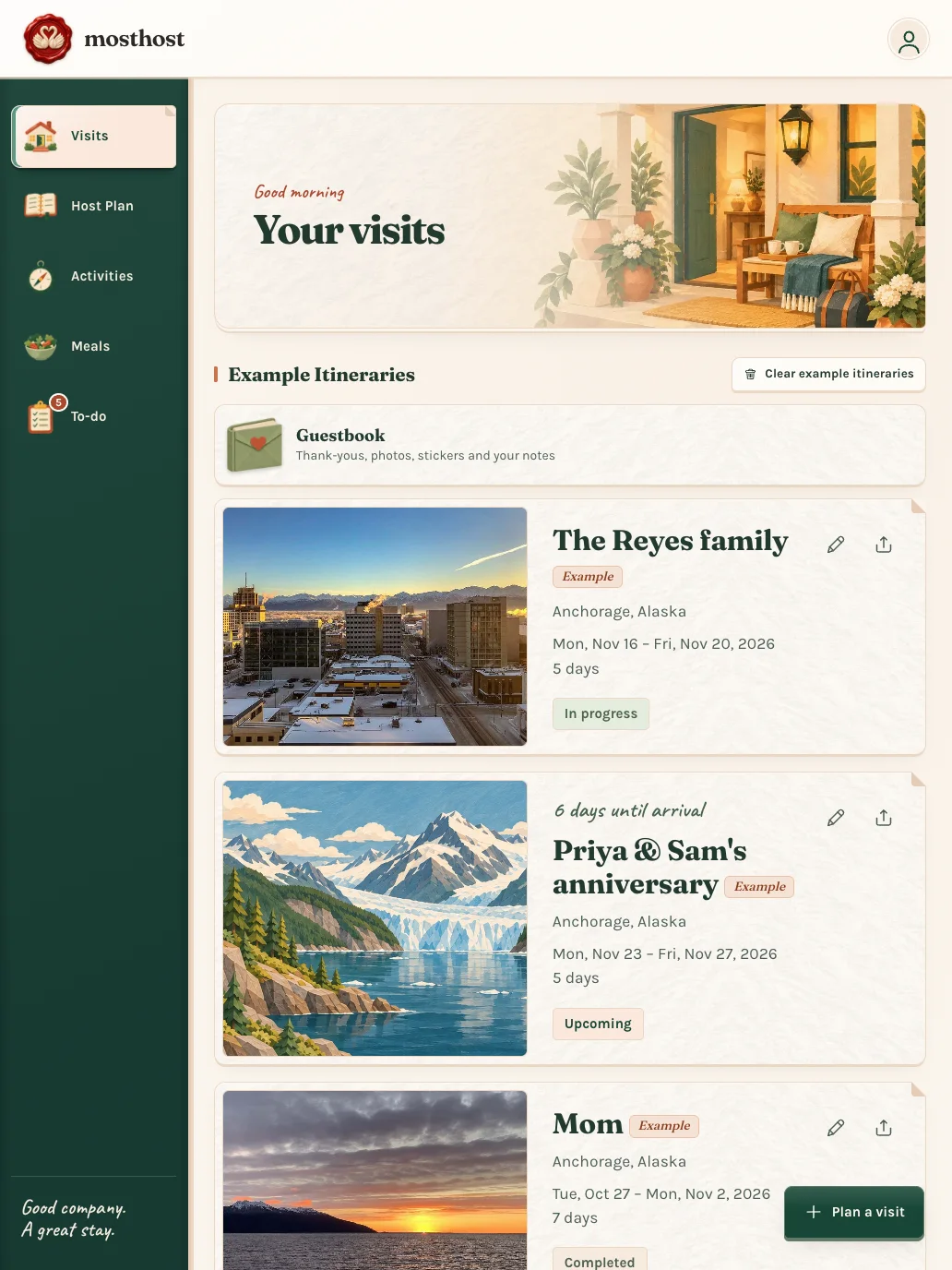
    Roomy cards and big pictures, made for the couch. Use the iPad app, or any tablet’s browser.

  • Phone

    Save an idea the moment you have it and tick off the shopping in the store. On iPhone, a pickup countdown sits on your Lock Screen.

  • iPhone Duo

    Folded, it’s MostHost as on any phone. Unfold it and the same plan fills the bigger screen.

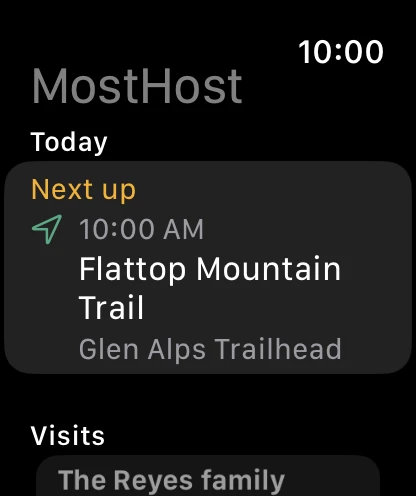
  • Apple Watch

    A glance at what’s next today, with Call and Directions a tap away, and your to-do and shopping lists to tick off.

One account ties them together. Change a plan on your laptop and it’s on your phone and tablet the next time you open them. Your watch gets its copy straight from your iPhone, and what you tick on your wrist is ticked on your phone too.

GET THE APP

MostHost is on the App Store and Google Play

Download MostHost free on your iPhone or Android phone. Your plans, lists and guest links stay in sync with the website, so you can plan on your computer and host from your phone.

On iPhone there are Home Screen widgets and a pickup countdown on the Lock Screen, and MostHost is on iPad and Apple Watch too.

Download on the App StoreGet it on Google Play
How to add it to your Home Screen today

iPhone or iPad: open themosthost.com in Safari, tap the Share button, then Add to Home Screen.

Android: open themosthost.com in Chrome, tap the ⋮ menu, then Add to Home screen or Install app.

THE PLANS

A place for every host.

Start with the hosting essentials. Most Host adds more room and tools for people who host often.

THE ESSENTIALS

Host

Free

Everything you need to make a visit feel special.

  • Plan one visit and save your favorite places and meals
  • Hosting checklist, shopping list, and one house guide
  • Guest links with every cover and theme, replies, surveys, and photo albums
  • Guestbook, scrapbook, and calendar export
Open MostHost

Create an account to start on the free plan. You can move to Most Host any time.

ABOUT MOSTHOST

Made with love
from Alaska.

I’m Chris, the one-person team behind MostHost. I love planning fun visits for friends and family, and wanted a place to keep all the details that make someone feel at home.

Happy hosting! — Chris

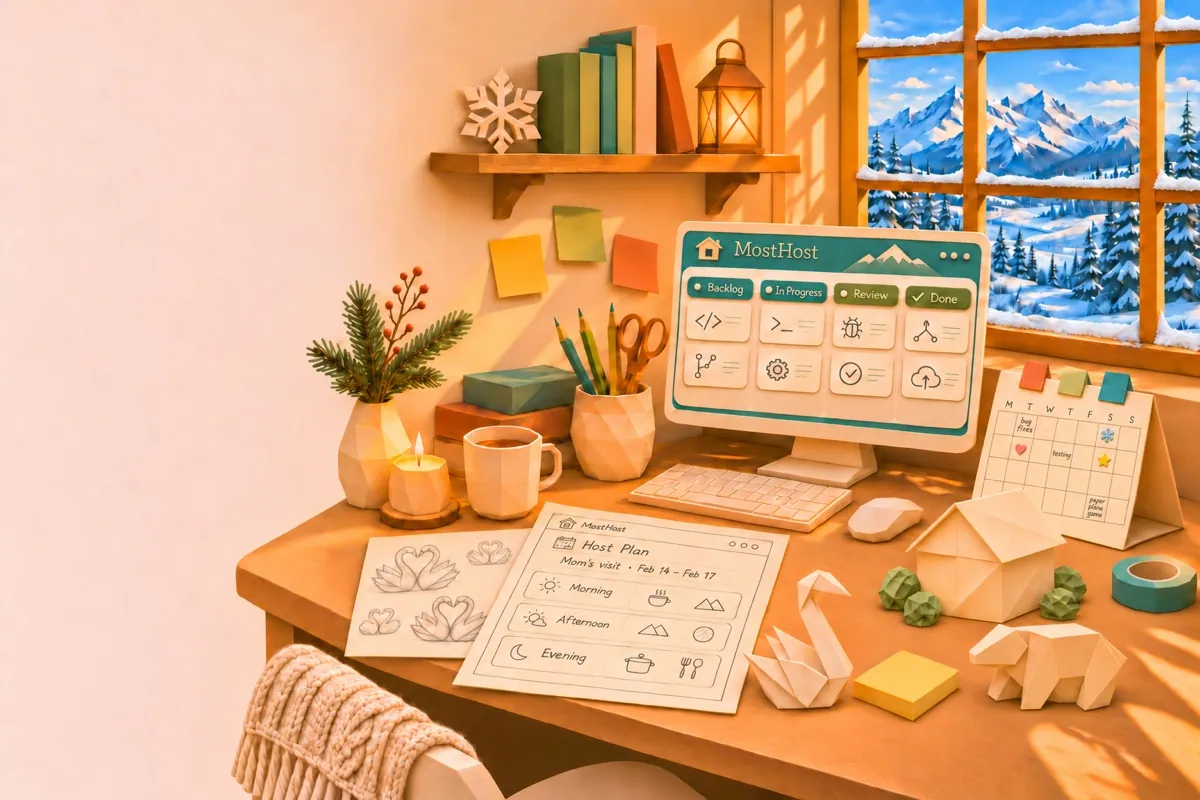
A papercraft view of the creator’s desk, with folded swans and snowy Alaskan mountains outside

HELP CENTER

How can I help?

Find a quick answer, or send a note through the same support forms you’ll find in MostHost.

Do my guests need an account?

No. They can open the invitation link in their browser to view the itinerary and reply.

How do I get started?

Open the web app and choose “Create an account”. Guests never need one.

Can I use MostHost on my phone?

Yes. MostHost for iPhone is on the App Store and MostHost for Android is on Google Play. You can also open the web app in your phone’s browser: in the app, open your profile and choose “Get the app” for home screen instructions.

Where do I manage a subscription?

Sign in and open “Your plan” in MostHost to review your subscription and manage billing.

Who’s coming to stay?

Start on the web, or get MostHost on the App Store or Google Play.

Open the web app
Download on the App StoreGet it on Google Play

MOSTHOST

Coming soon

Open the web app